Every city has a snow globe in a gift shop somewhere. Now every street can have one. Snow Globe Streets takes a real place, built in 3D from Google's photorealistic imagery, and seals it inside a glass globe on your screen: shake it, zoom in, walk around inside it, and send it to someone as a link. It's free at maps.tripgeo.com/snowglobe, with nothing to install.

A real city, under glass
The buildings aren't models we made. They're Google Photorealistic 3D Tiles, the same imagery as the 3D view in Google Maps, cut out as a disc of city and set on a polished base. Drag to turn the globe, scroll or pinch to zoom right in until you're among the rooftops, and double-click a building to fly up close to it. Press S, tap Shake, or on a phone just shake the phone, and the snow swirls up and settles again on the roofs.
69 famous places, or anywhere at all
The library has 69 places ready to shake, across the United States, Europe and Australia: Times Square and the Statue of Liberty, the Golden Gate Bridge, Big Ben and Tower Bridge, the Eiffel Tower and the Colosseum, the Grand-Place in Brussels, Sydney Harbour, Uluru and many more. The festive ones are marked for the season: the Rockefeller Center tree, the Christmas markets of Strasbourg, Cologne and Vienna, Christmas Day on Bondi Beach.
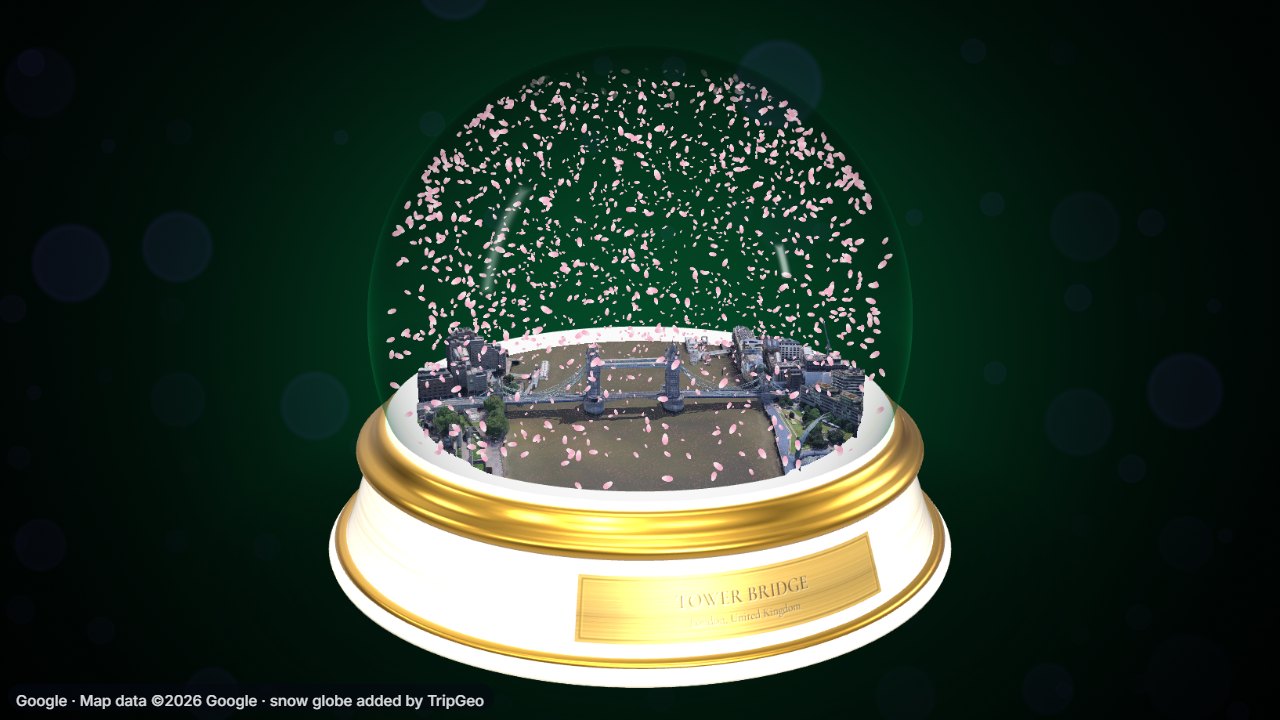
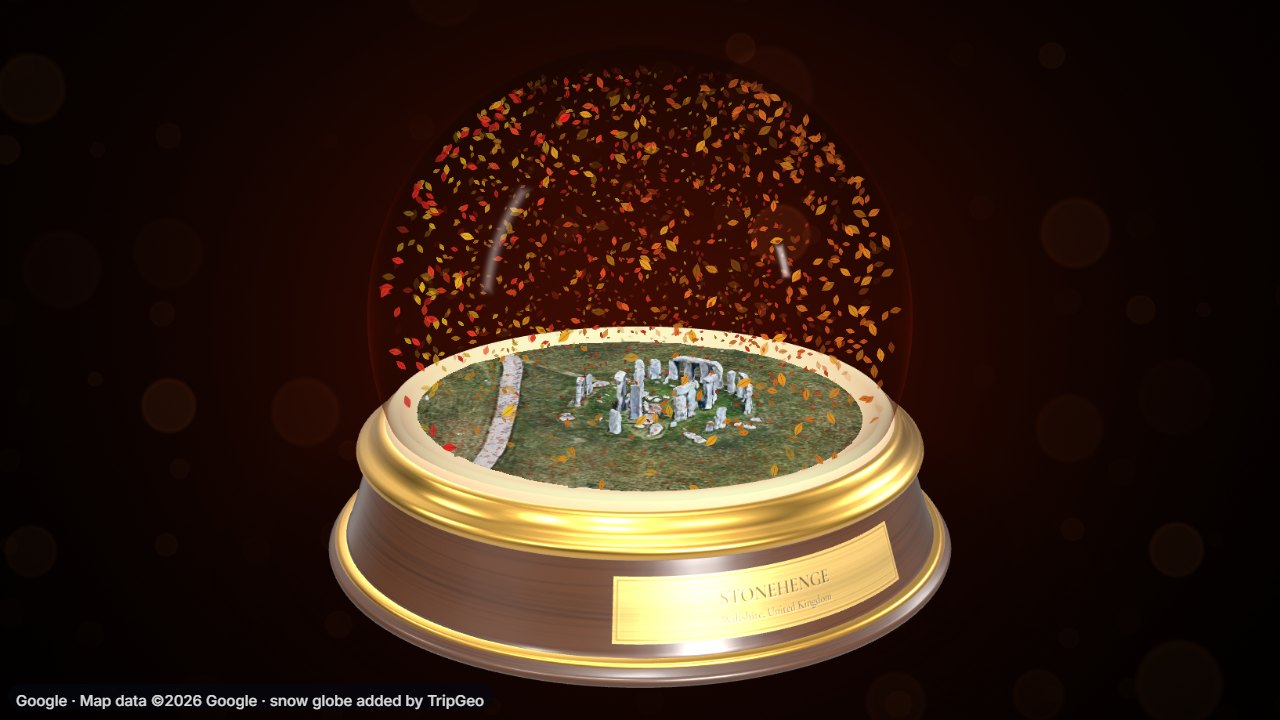
And it doesn't have to be famous. Search for any address, your home town, the street where you met, the stadium, the beach, and the studio builds the globe around it. A slider sets how much of the city goes in, from a whole neighbourhood down to a few dozen metres, which is how Stonehenge fills its globe below.
Snow, or something else entirely
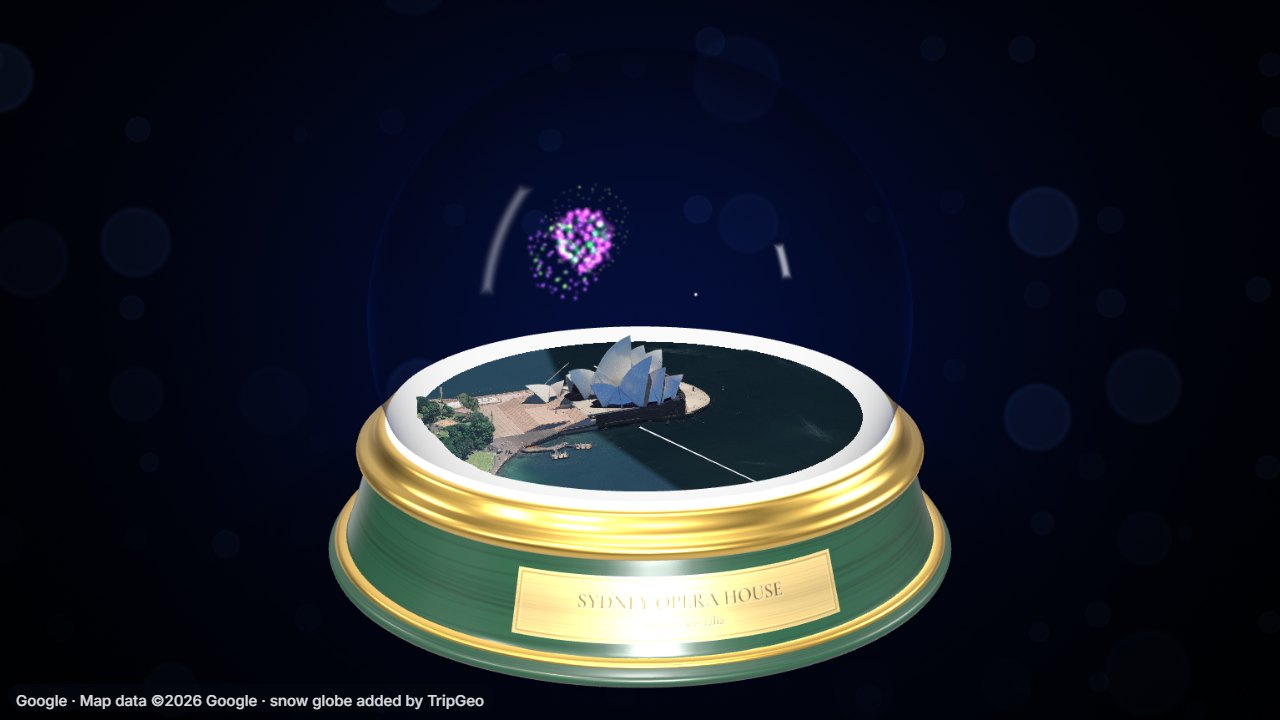
Snow is only the start. Fill the globe with gold glitter, spring blossom, autumn leaves, confetti, or fireworks bursting over the rooftops. Choose the base (walnut and brass, ruby lacquer, forest green, silver frost or ivory and gold), the room behind it, and whether it sways gently, turns on a turntable or stays still. There's a music box too, with five carols to choose from.
Step inside
Zoom all the way down and you can walk the street: shrink to street level and stroll among the real buildings inside the globe, with the snow falling around you at its real size. Or tap the glass to fall through it into Google Street View, where the snow keeps on falling over the real street.
Make one and send it
The studio puts it all together: choose a place, dress the globe, write a greeting and a message, add your name, and engrave the plaque if you like. The globe beside the form is the real thing, camera angle included, so what you see is exactly what they get.
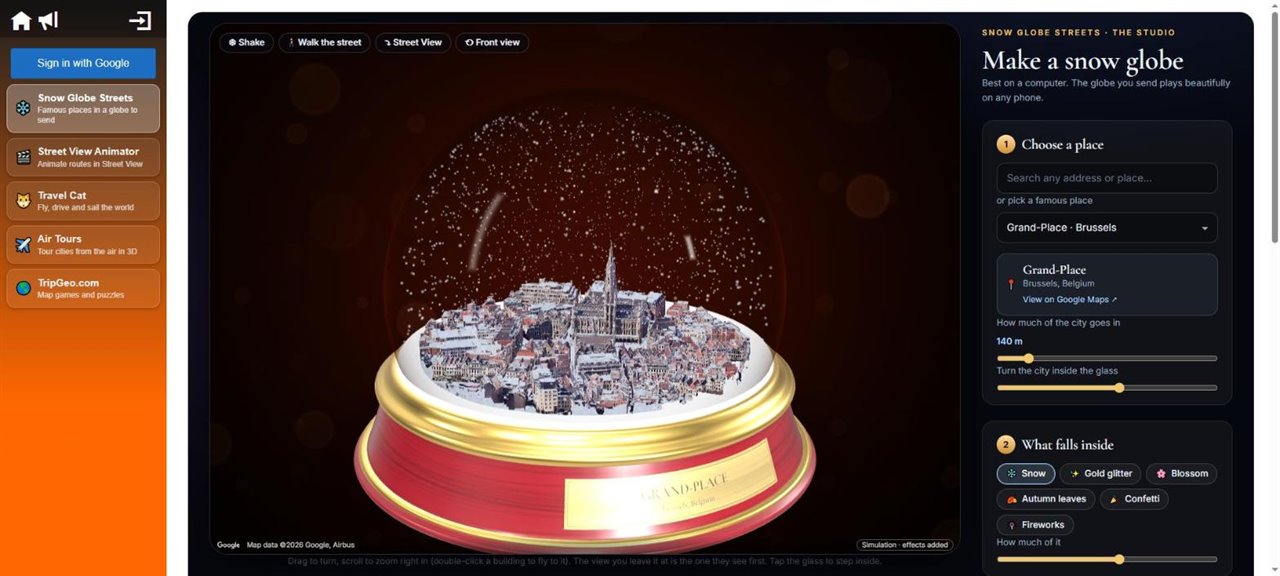
Press Create my link and copy it into a message or an email. The whole globe travels in the link itself, so nothing about you is stored anywhere. Whoever opens it gets your card first…

…and then the globe itself, full screen, with the music playing and your message tucked in the corner. It works on any phone or computer, and on a phone a shake of the phone stirs the snow.

The 3D buildings and Street View are Google's imagery, shown as captured, with Google's credits. The snow, the glass, the base and the music are ours, and the globe says so. It's built with three.js, 3D Tiles Renderer and Claude.
Shake one now at maps.tripgeo.com/snowglobe, or go straight to the studio and send one to someone this Christmas. If you'd like to hear what's next, tick Receive Newsletter at the top of the blog, and ideas and bug reports are always welcome on our contact page.